Run it on the hardware you already own.
Meeting Room 365 isn’t tied to one device. From a spare iPad by the door to a Raspberry Pi behind a lobby TV, the same app and the same calendar run on whatever fits your space and your budget.
Pick the setup that suits the spot.
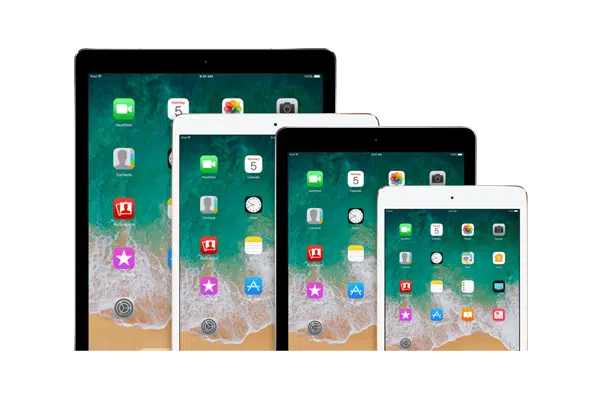
A touchscreen tablet or panel
The device is the display. Mount a tablet or a purpose-built PoE panel beside the room, and people tap it to see status and book.
- Tap-to-book, check-in & release
- LED status bars & single-cable PoE on dedicated panels
- Best for meeting-room doors
A media player + a TV you own
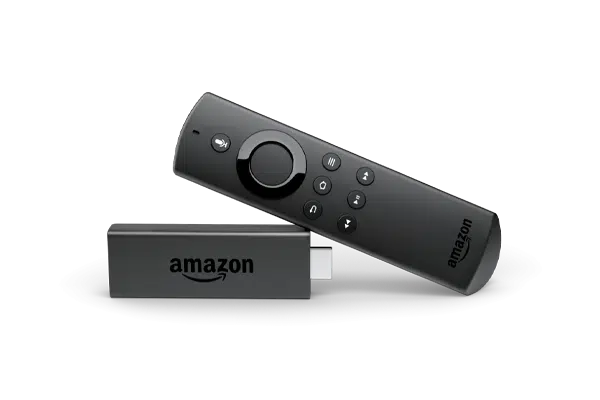
An inexpensive stick, mini-PC or Pi drives a TV or monitor you already have, which suits hallway boards, lobby maps and in-room join screens.
- Reuse existing TVs & monitors
- Lowest cost per large screen
- Best for boards, maps & in-room TV
Every device we support.
Tablets & touchscreens
6 devices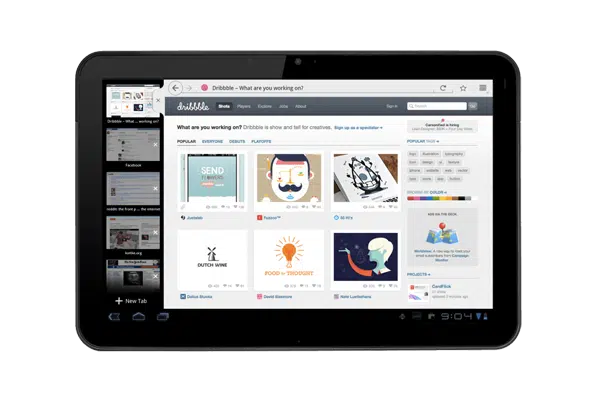 Android
Android Tablets
Affordable and widely available; pick any size to fit the door.
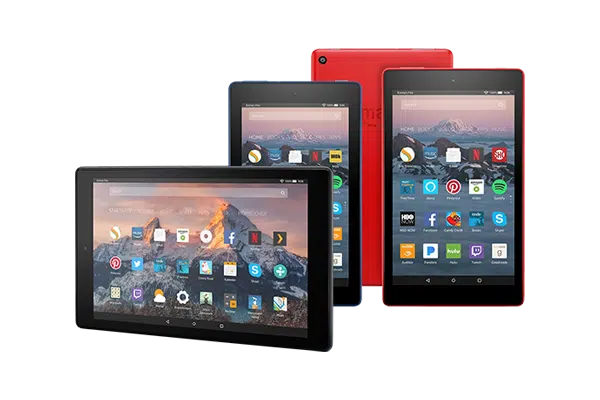 Fire OS
Amazon Fire Tablets
The budget workhorse when you are rolling out dozens of doors at once.
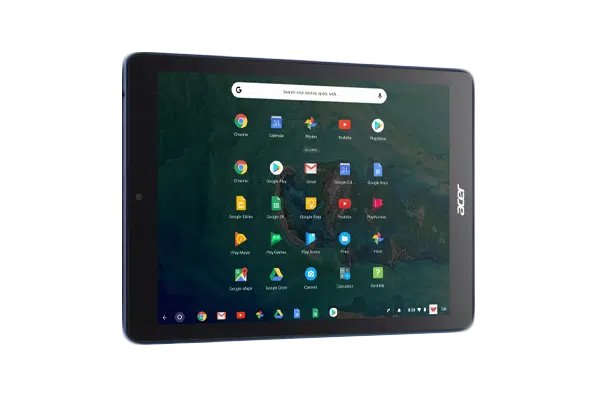 Chrome OS
Chrome OS Devices
Managed through the Google Admin console your team already runs.
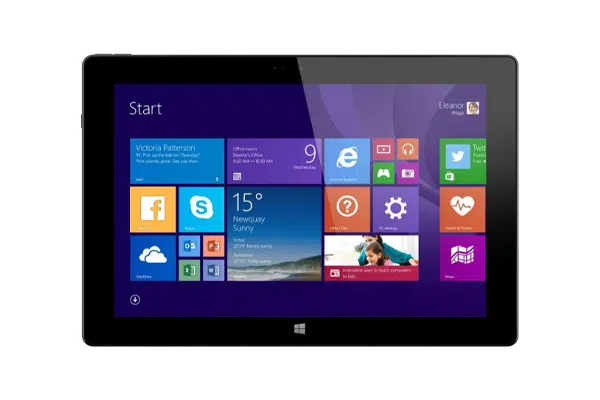 Windows
Windows Tablets
Surface-class tablets for fleets already standardized on Microsoft.
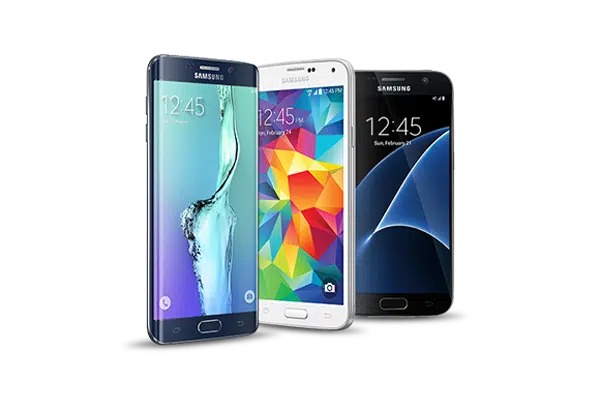 iOS · Android
Mobile Devices
A spare phone makes a small door sign in a pinch.
Purpose-built room panels
4 devicesIAdea Room Panels
Purpose-built display panels with a clean single-cable PoE install.
ProDVX Panels
Side-mounted RGB LED bars you can read free-or-busy from down the hall.
Philips Room Signage
Commercial-grade Android signage with a built-in LED edge.
iiyama Room Displays
Integrated status LEDs and PoE in a single wall-mounted panel.
Media players & smart TVs
12 devicesFire OSAmazon Fire Stick
A $40 stick that turns any spare TV into a live status board.
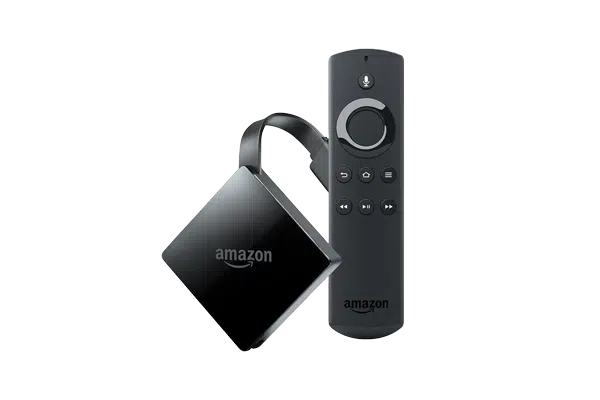 Fire OS
Amazon Fire TV 4K
More headroom for crisp 4K hallway boards and wayfinding maps.
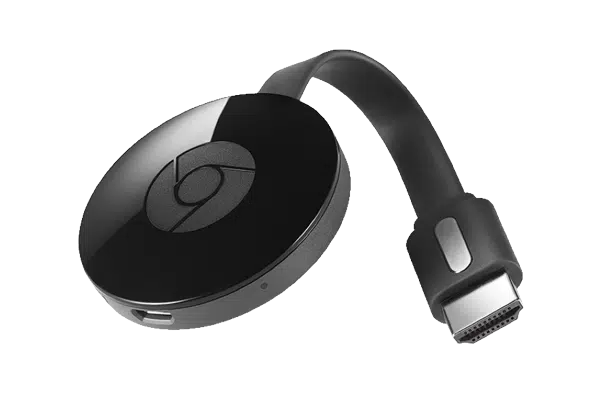 Cast
CastChromecast
Cast the board straight to a TV from the admin dashboard.
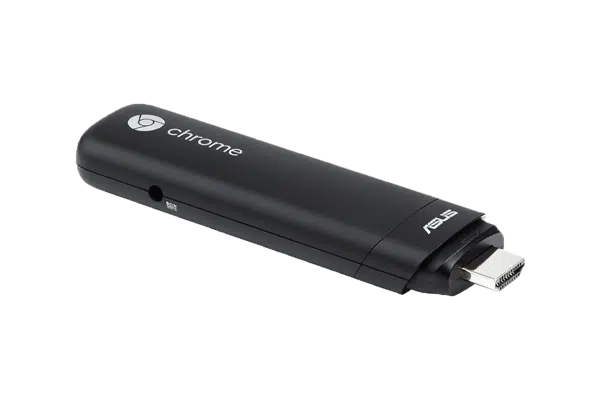 Chrome OS
Google Chromebit
A Chrome OS stick managed centrally in Google Admin.
 Any browser
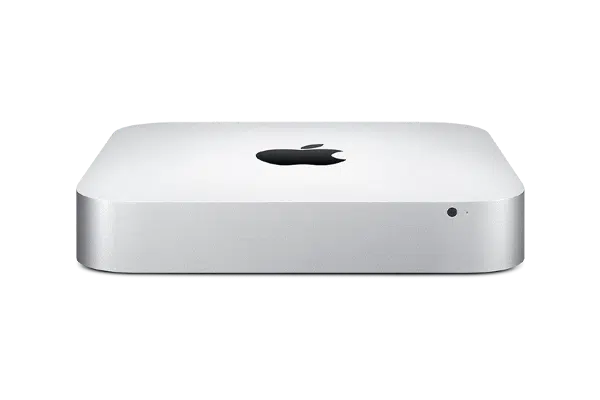
Apple Mac Mini
Drives big lobby displays from a small, dependable box.
 Windows
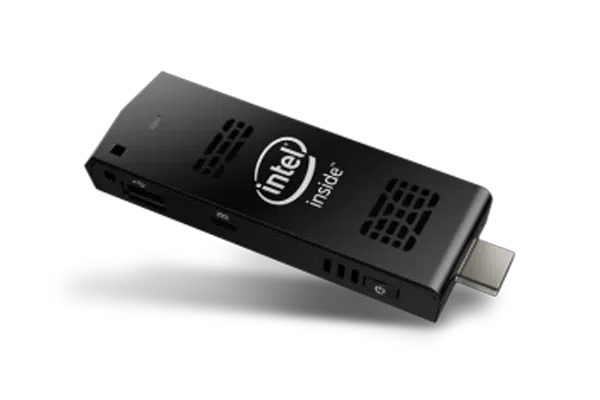
Intel Compute Stick
A pocket-sized Windows PC tucked behind the screen.
 Windows
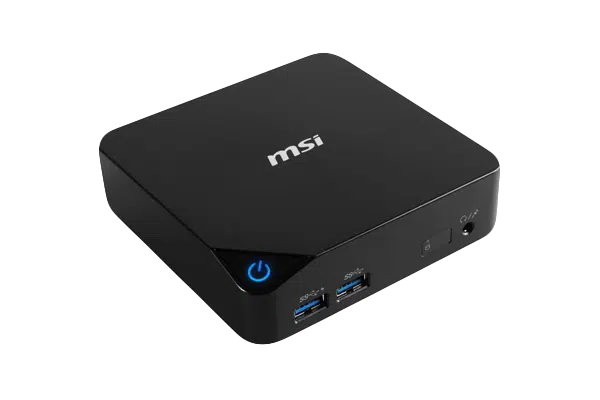
Windows PC
Any Windows mini-PC runs the kiosk in a browser tab.
 Chrome OS
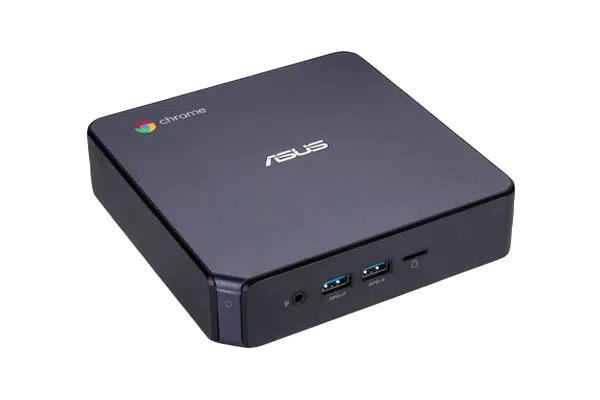
Chromebox
The reliable signage workhorse, managed in Google Admin.
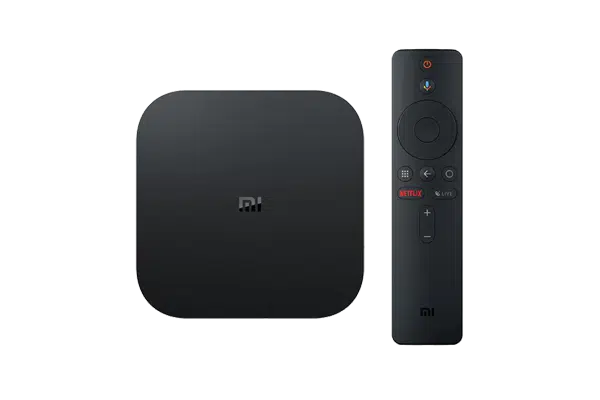 Android
Android Stick / Box
Inexpensive Android TV boxes for any HDMI screen.
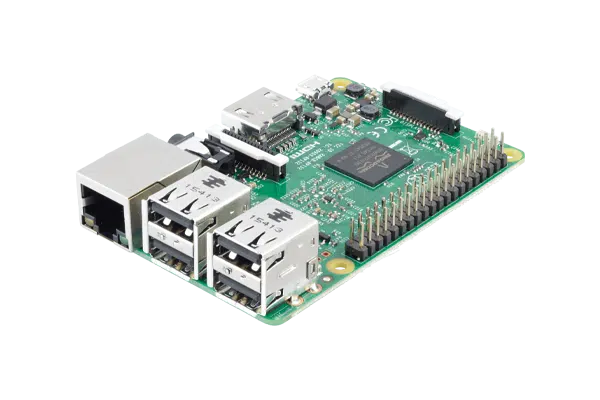
Linux kioskRaspberry Pi
A Pi in Chromium kiosk mode for the DIY-minded IT team.
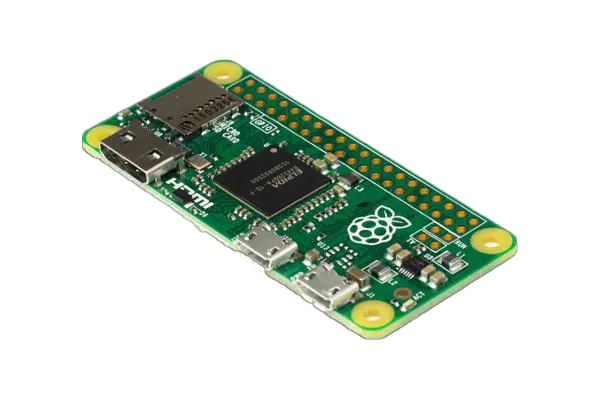 Linux kiosk
Raspberry Pi Zero
The smallest and lowest-cost always-on board we support.
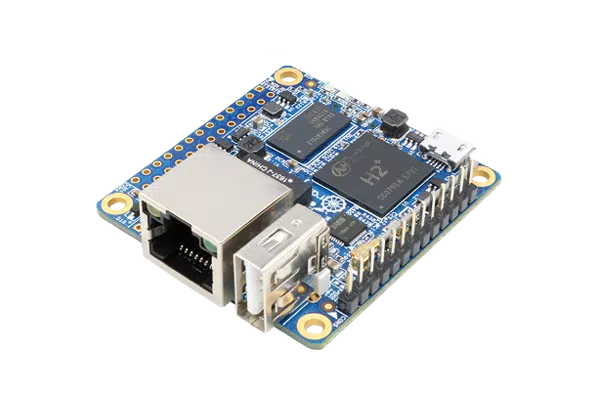 Linux kiosk
Orange Pi
A Pi-compatible single-board alternative for tinkerers.
Specialty hardware
3 devices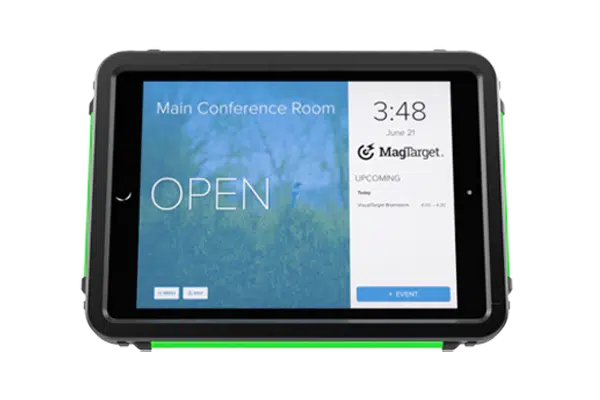 Specialty
MagTarget LED Case
An LED-lit enclosure that signals free or busy from across the room.
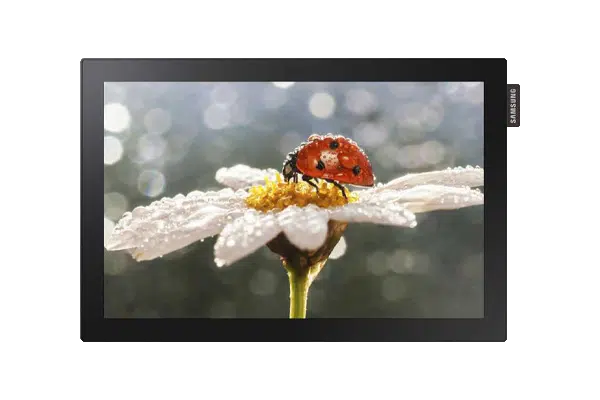 Built-in
Commercial Displays
Commercial Tizen / Android panels with the app running on-screen.
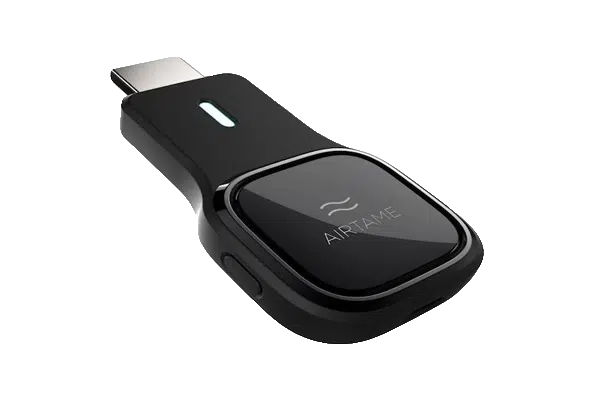 Cloud cast
Airtame
Wireless HDMI for screens, managed from the Airtame cloud.
BenQ interactive
2 devices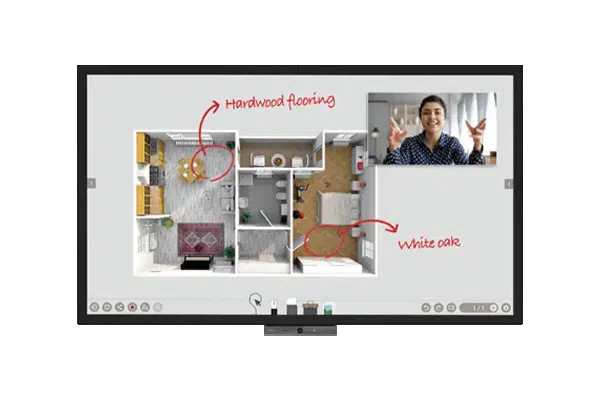 Android
BenQ DuoBoard
Interactive corporate display with the app preloaded and touch built in.
AndroidBenQ Corporate
Large-format BenQ corporate signage with Android built in.
Hardware maps to a product.
Every device powers a part of the connected workplace. Match the spot to the screen, and the same account runs all of it.
On the meeting-room door
Tablets and PoE panels become the live door sign: tap to see status and book.
On a hallway or lobby screen
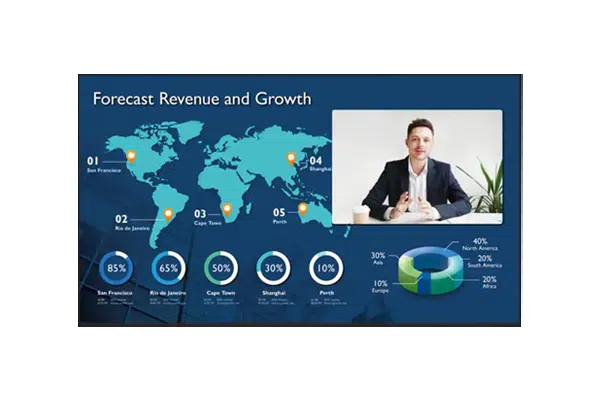
A low-cost player drives a TV you already own for a building-wide status board or wayfinding map.
Inside the room
Interactive panels and in-room boxes show the agenda and one-tap join on the big screen.
Live in minutes, on any device.
Download once, point it at your room, and lock it into kiosk mode. The flow is the same whether it’s a tablet, a stick or a panel.
Create your account
Sign up free and connect Microsoft 365, Exchange or Google Workspace.
Add your room
Drop in the room calendar and set themes, branding and language.
Install the app
Grab Meeting Room 365 from the store for your device and paste the display URL.
Lock & mount
Enable kiosk mode, mount the device, and the room goes live.
Start with the device on your desk.
Spin up a free trial, install the app on whatever you’ve got, and see your first room go live today. Add purpose-built panels whenever you’re ready.